The Role of CAD and CAM in CNC Machining

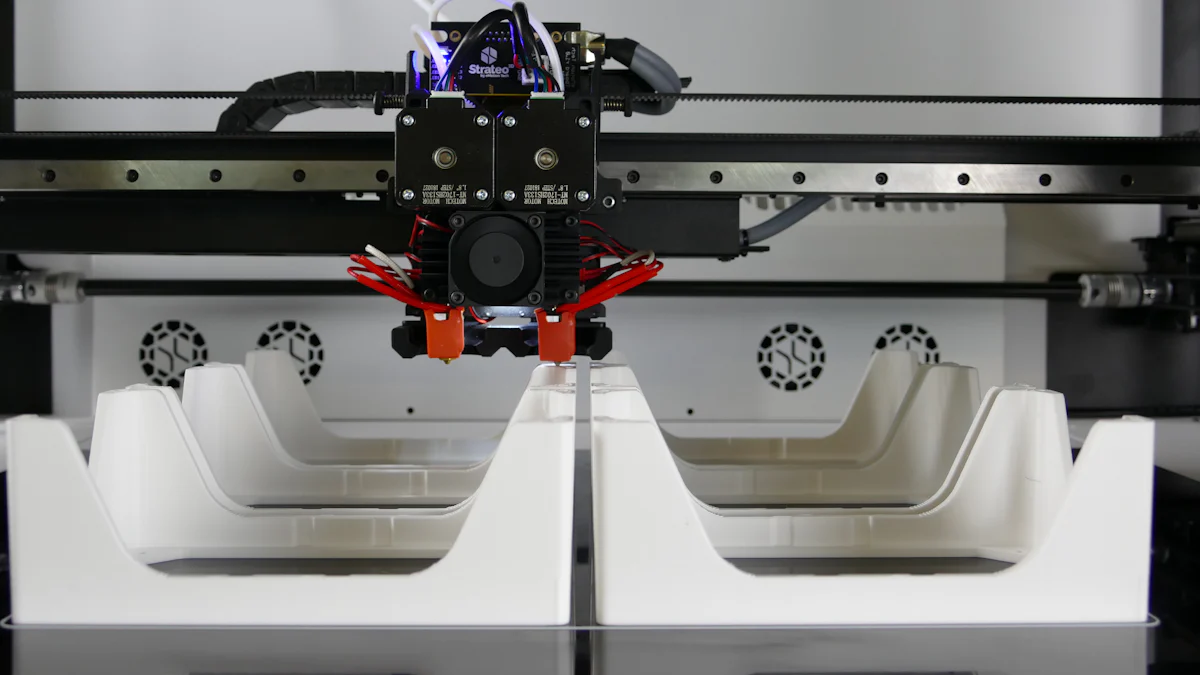
Computer-Aided Design (CAD) and Computer-Aided Manufacturing (CAM) have revolutionized how products are created and produced. CAD allows you to design precise 2D and 3D models, forming the foundation for accurate manufacturing. CAM takes these designs and converts them into machine-readable instructions, ensuring CNC Machining operates with unmatched precision.
These tools streamline production by automating processes and reducing errors. For example:
CAD and CAM software improve machining accuracy, enabling repeatable and high-quality results.
They minimize material waste by optimizing manufacturing paths.
Their integration supports rapid prototyping, allowing quick design adjustments.
The global CAM market is expected to reach $6.6 billion by 2030, driven by industrial automation and demand from industries like automotive. This growth highlights their critical role in modern manufacturing.
Key Takeaways
CAD software helps you make exact 2D and 3D designs.
CAM software turns designs into instructions for CNC machines to follow.
Combining CAD and CAM makes production smoother and reduces mistakes.
Using both tools speeds up work and allows more custom designs.
Industries like airplanes and cars use CAD and CAM for accuracy and quick models.
Understanding CAD and CAM
What is CAD?
CAD, or Computer-Aided Design, is a tool that helps you create precise digital models for manufacturing. It allows you to design both 2D technical drawings and 3D models, which are essential for product development. CAD software enhances efficiency by reducing the time needed for design modifications. You can visualize your designs in detail and make adjustments before production begins. This process ensures that the final product meets exact specifications.
During prototyping, CAD plays a critical role. It enables you to develop detailed 3D models for testing and refinement. Once the design is finalized, CAD helps program manufacturing equipment, ensuring accuracy during production. It also supports quality control by verifying the accuracy of manufactured items against the original design. Popular CAD tools include AutoCAD, SolidWorks, and CATIA.
What is CAM?
CAM, or Computer-Aided Manufacturing, focuses on turning CAD designs into machine-readable instructions. It automates manufacturing processes, reducing human error and improving efficiency. CAM software determines the best toolpaths, selects appropriate tools, and simulates the machining process. This ensures that the production process is optimized for speed and quality.
By converting CAD designs into G-code, CAM software allows CNC machines to produce high-quality, consistent parts. It also identifies geometrical errors and streamlines workflows. CAM tools like Siemens NX and SolidCAM are widely used in industries such as automotive and aerospace.
Key Differences Between CAD and CAM
CAD and CAM serve different purposes in manufacturing. CAD focuses on creating designs, while CAM translates those designs into manufacturing instructions. The table below highlights their key differences:
Feature | CAD (Computer-Aided Design) | CAM (Computer-Aided Manufacturing) |
|---|---|---|
Purpose | Creating 2D drawings and 3D models | Designing machining processes |
User | Engineers | Machinists |
Required Tools | Computer and CAD software | Computer, CAM software, and CNC machines |
Applications | Drafting, Solid Modeling, Surface Design | Laser Cutting, 3D Milling, Metal Working |
CAD and CAM complement each other. CAD creates the design, and CAM ensures it is manufactured accurately. Together, they streamline the production process, saving time and reducing costs.
How CAD and CAM Work Together in CNC Machining
CAD Software Components
User Interface
The user interface (UI) in CAD software serves as your gateway to creating precise designs. It provides tools for drawing, modeling, and editing, ensuring you can interact with the software effectively. A well-designed UI simplifies complex tasks, allowing you to focus on creativity and accuracy. For example, CAD software integrates with CAM software to streamline the transition from design to manufacturing.
Application Logic
Application logic in CAD software manages the core functionalities, such as defining tool paths and simulating designs. It ensures that your designs meet the required specifications for machining. This component also includes a database for toolpath parameters, enabling you to test and refine designs before production.
File Export and Compatibility
File export and compatibility are critical for seamless integration between CAD and CAM software. CAD software allows you to save designs in formats compatible with CAM systems, ensuring smooth communication. This feature minimizes errors during the transition from design to manufacturing, saving you time and resources.
CAM Software Components
Toolpath Generation
Toolpath generation is the heart of CAM software. It converts your CAD designs into tool paths, guiding CNC machines to produce precise parts. This process ensures that the machining follows the most efficient route, reducing material waste and production time.
Post-Processing
Post-processing translates tool paths into machine-specific language, such as G-code. This step ensures that the CNC machine understands the instructions, enabling accurate and consistent production.
Machine Code Output
Machine code output is the final step in CAM software. It generates the code that controls the CNC machine, ensuring your designs are manufactured exactly as intended. This component plays a crucial role in achieving high-quality results in CNC machining.
Integration of CAD and CAM for CNC Machining
The integration of CAD and CAM software enhances the efficiency of CNC machining. CAD/CAM software allows you to create designs and convert them into machine-readable instructions seamlessly. This integration improves machining capabilities, enabling you to handle complex projects with precision. It also reduces material wastage by optimizing tool paths and supports rapid prototyping, helping you meet tight deadlines.
However, challenges like system compatibility and training requirements can arise. For example, compatibility issues between CAD and CAM systems may hinder the transition from design to manufacturing. Despite these challenges, the benefits of integration far outweigh the drawbacks, making CAD and CAM essential for modern manufacturing.
Processes Automated by CAD and CAM in CNC Machining
Milling
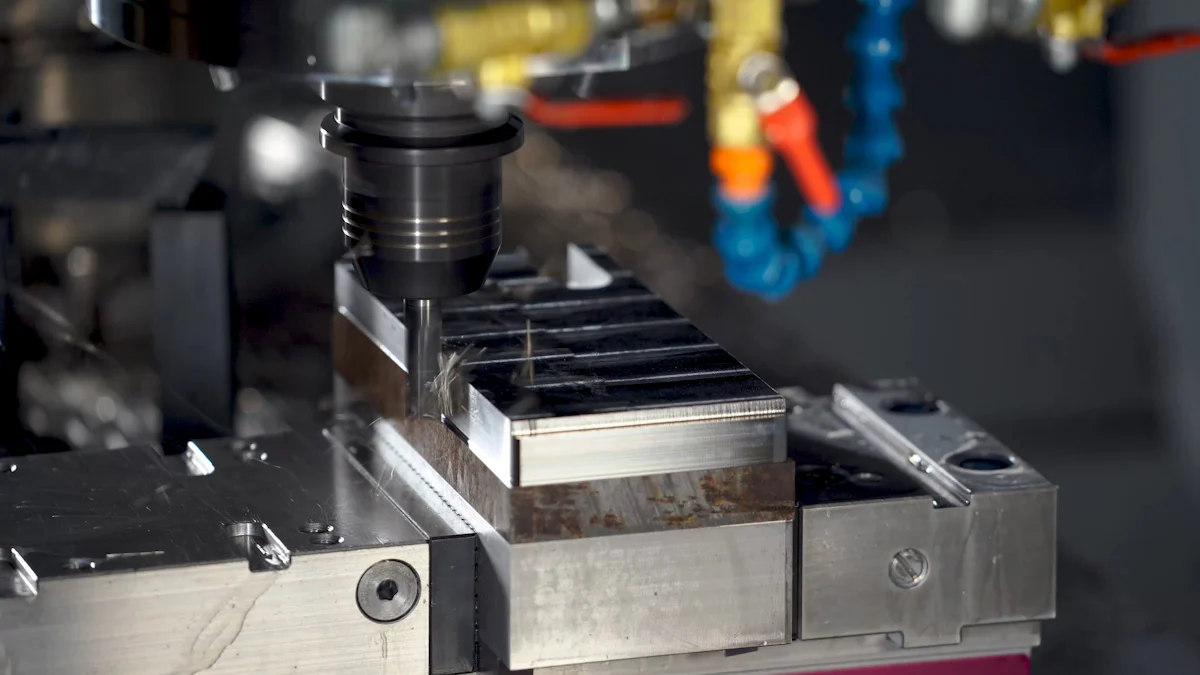
Milling involves removing material from a workpiece to create precise shapes and surfaces. CAD and CAM software automate this process, ensuring efficiency and accuracy. You can use CAD to design intricate 2D or 3D models, which CAM then converts into instructions for CNC machines. This automation eliminates manual errors and speeds up production.
CAD/CAM software optimizes material removal, ensuring efficient machining.
CAM systems generate toolpaths that maximize material usage and minimize waste.
Automated milling reduces lead times and increases production speed.
By integrating CAD and CAM, you can produce high-quality, identical parts that meet exact design requirements. This process is especially useful for industries requiring precision, such as aerospace and automotive.
Turning
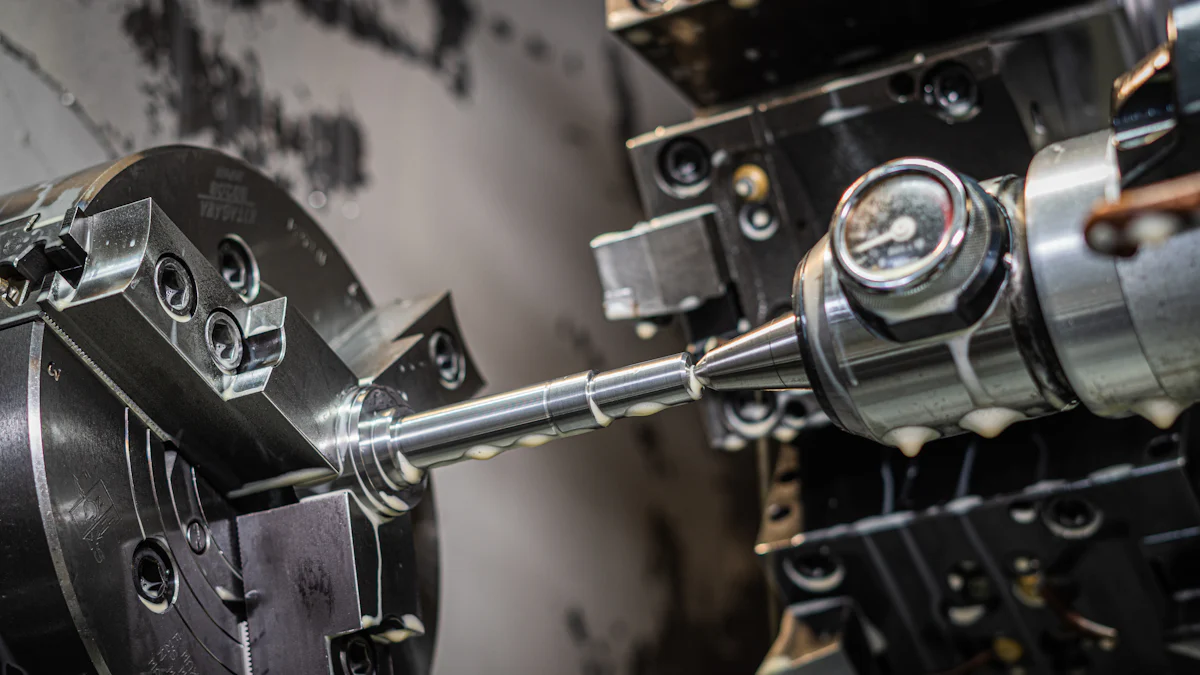
Turning is another process automated by CAD and CAM. It involves rotating a workpiece while cutting tools remove excess material. CAD allows you to create detailed designs, while CAM translates these designs into instructions for CNC machines.
CAM software automates turning, reducing human error and speeding up production.
In turning, the software ensures precise material removal by controlling the rotation of the workpiece and the movement of cutting tools. This automation supports both prototyping and large-scale production. You can achieve consistent results, even for complex designs, without manual adjustments.
Drilling
Drilling creates holes in a workpiece with high precision. CAD software helps you design accurate 2D or 3D models, ensuring components meet specific requirements. CAM automates the drilling process, translating designs into machine-readable instructions.
Simulating machining operations identifies potential issues before production.
CAM systems adapt quickly to design changes, maintaining precision.
Automation reduces human error, ensuring consistent, high-quality results.
By combining CAD and CAM, you can streamline the drilling process, reduce lead times, and achieve exceptional accuracy. This integration is vital for industries where precision is critical, such as medical device manufacturing.
3D Printing
3D printing, also known as additive manufacturing, builds objects layer by layer using digital designs. This process has transformed manufacturing by enabling the creation of complex geometries that traditional methods cannot achieve. CAD and CAM play a vital role in automating and optimizing 3D printing within CNC machining.
CAD software allows you to design intricate 3D models with precision. It generates STL files, which are essential for 3D printing. These files define the geometry of your design and guide the printer during production. CAM software complements this by automating the preparation of these files for the printer. It determines the best toolpaths and ensures efficient material usage, reducing waste.
The integration of CAD and CAM in 3D printing offers several advantages:
Automates CNC machining and programming processes.
Enhances productivity and innovation across industries.
Streamlines workflows, saving time and resources.
This technology increases productivity by up to 50% and improves performance in manufacturing. It supports rapid prototyping, allowing you to test and refine designs quickly. By automating tasks, CAD and CAM reduce errors and ensure consistent results.
For example, in industries like aerospace and healthcare, 3D printing powered by CAD and CAM enables the production of lightweight components and custom medical devices. These tools make it possible to handle complex projects with precision and efficiency.
By combining CAD and CAM with 3D printing, you can unlock new possibilities in CNC machining. This integration not only enhances manufacturing capabilities but also drives innovation, making it an essential part of modern production processes.
Benefits of CAD and CAM in CNC Machining
Enhanced Precision and Accuracy
CAD and CAM software significantly improve the precision and accuracy of CNC machining. You can rely on CAM tools to optimize tool paths, ensuring efficient material removal and faster production. These tools also perform error checking, helping you identify and correct issues before machining begins. This reduces the risk of defects in the final product.
CAD software provides the geometry data needed to calculate machining tool paths. It allows you to visualize and simulate designs, ensuring they meet exact specifications. By combining these capabilities, CAD and CAM deliver unmatched accuracy compared to manual controls. This precision is essential for industries like aerospace and medical manufacturing, where even minor errors can have significant consequences.
CAM enhances efficiency by automating processes and reducing human error.
CAD ensures your designs are error-free and ready for production.
Together, they create a seamless workflow that guarantees high-quality results.
Increased Efficiency and Productivity
CAD and CAM streamline the entire manufacturing process, saving you time and resources. With CAD, you can quickly modify designs without starting from scratch. This flexibility allows you to adapt to changing requirements or fix design flaws efficiently. CAM software complements this by automating machining operations, reducing manual intervention.
By integrating CAD and CAM, you can achieve faster production cycles. CAM tools generate optimized tool paths, minimizing material waste and machining time. This efficiency translates to higher productivity, enabling you to meet tight deadlines without compromising quality.
Automation also reduces the learning curve for operators. Modern CAM systems feature user-friendly interfaces, making it easier for you to program CNC machines. This accessibility ensures that even complex projects can be completed quickly and accurately.
Greater Customization and Flexibility
CAD and CAM empower you to create customized designs with ease. CAD software allows you to design intricate geometries that traditional methods cannot achieve. For example, you can use CAD to develop complex shapes for automotive or aerospace components.
CAM software enhances flexibility by supporting multi-axis machining. This capability enables you to program operations from multiple angles, optimizing tool paths for complex parts. You can also use CAM tools to create templates for repetitive tasks, streamlining future projects.
Mastercam 2024 introduces features like Process Hole, which simplifies the creation of hole templates.
B-axis Contour Turning operations provide flexibility for multitasking machines, similar to five-axis milling.
Graphical interfaces in CAM software offer live updates, making it easier for you to interact with the system.
These tools also support rapid prototyping, allowing you to produce customized parts quickly and cost-effectively. Whether you need a single prototype or a large production run, CAD and CAM ensure your designs meet diverse customer needs.
Reduced Waste and Costs
CAD and CAM software play a crucial role in reducing waste and cutting costs in CNC machining. These tools help you optimize every step of the manufacturing process, ensuring efficient use of materials and resources. By automating tasks and improving precision, they minimize errors that often lead to wasted materials.
CAD and CAM software adapt to complex projects, ensuring precise and repeatable results. They outline efficient manufacturing paths, including toolpaths and cycle times. This allows you to anticipate potential problems and avoid product defects. As a result, you can reduce material waste and improve overall efficiency. For example, CAM software uses material databases and advanced algorithms to optimize toolpaths. This ensures that every cut and movement of the machine is purposeful, leaving minimal scrap behind.
Collision detection and verification tools in CAM software further enhance accuracy. These features allow you to simulate machining operations before production begins. By identifying and resolving issues early, you can prevent costly mistakes and reduce the need for rework. Automatic code generation also ensures that CNC machines operate with precision, producing high-quality parts consistently.
The cost savings extend beyond material usage. By reducing errors and streamlining workflows, CAD and CAM software help you save time and labor costs. Faster production cycles mean you can complete more projects in less time, increasing profitability. Additionally, the ability to reuse designs and templates for similar projects further reduces expenses.
Incorporating CAD and CAM into your machining processes not only improves efficiency but also supports sustainable manufacturing practices. By minimizing waste and optimizing resources, you can achieve cost-effective production while reducing your environmental impact.
CAD and CAM have transformed cnc machining by combining precision design with automated production. CAD software enables you to create detailed 3D models, ensuring accuracy in every design. CAM software translates these designs into machine instructions, optimizing tool paths and reducing errors. Together, they streamline workflows, minimize waste, and enhance productivity. This integration also drives innovation, allowing you to explore complex geometries and new materials. While challenges like high costs exist, the benefits far outweigh them. CAD and CAM remain essential tools for achieving efficiency, precision, and innovation in modern manufacturing.
FAQ
What industries benefit the most from CAD and CAM in CNC machining?
Industries like aerospace, automotive, and healthcare benefit greatly. These sectors require high precision and efficiency for complex designs. CAD and CAM help you meet these demands by automating machining operations and ensuring consistent quality.
Can CAD and CAM software work with any CNC machine?
Most CAD and CAM software support a wide range of CNC machines. However, you should check compatibility with your specific machine. Some systems may require additional configuration or post-processing tools.
How do CAD and CAM reduce production costs?
CAD and CAM optimize material usage and minimize errors. They automate machining operations, reducing waste and rework. This efficiency saves you time and labor costs, making production more cost-effective.
Is CAD and CAM software difficult to learn?
Modern CAD and CAM tools feature user-friendly interfaces. With proper training, you can quickly learn to create designs and program CNC machines. Many software providers also offer tutorials and support to help you get started.
What is the role of CAM in machining operations?
CAM software converts your designs into machine-readable instructions. It generates toolpaths, optimizes machining processes, and ensures precision. This automation streamlines machining operations, saving time and improving accuracy.
See Also
Grasping Key Processes In CNC Precision Machining Techniques
Investigating CNC Machining Solutions For Accurate Production
Learning CNC Machining Fundamentals For Component Production
CNC Technology In Manufacturing: Advancements And Practical Uses
Enhancing Quality Control Through CNC Precision Machining Methods
About US
Follow Us
Your prototype holds unparalleled significance, and we deeply value its uniqueness. Collaborating with you during the preparation phase for running your prototype or parts is a commitment we gladly embrace. Whether it's a single part or a complex assembly, we are dedicated to selecting the optimal tools and pathways to bring your envisioned product to life.
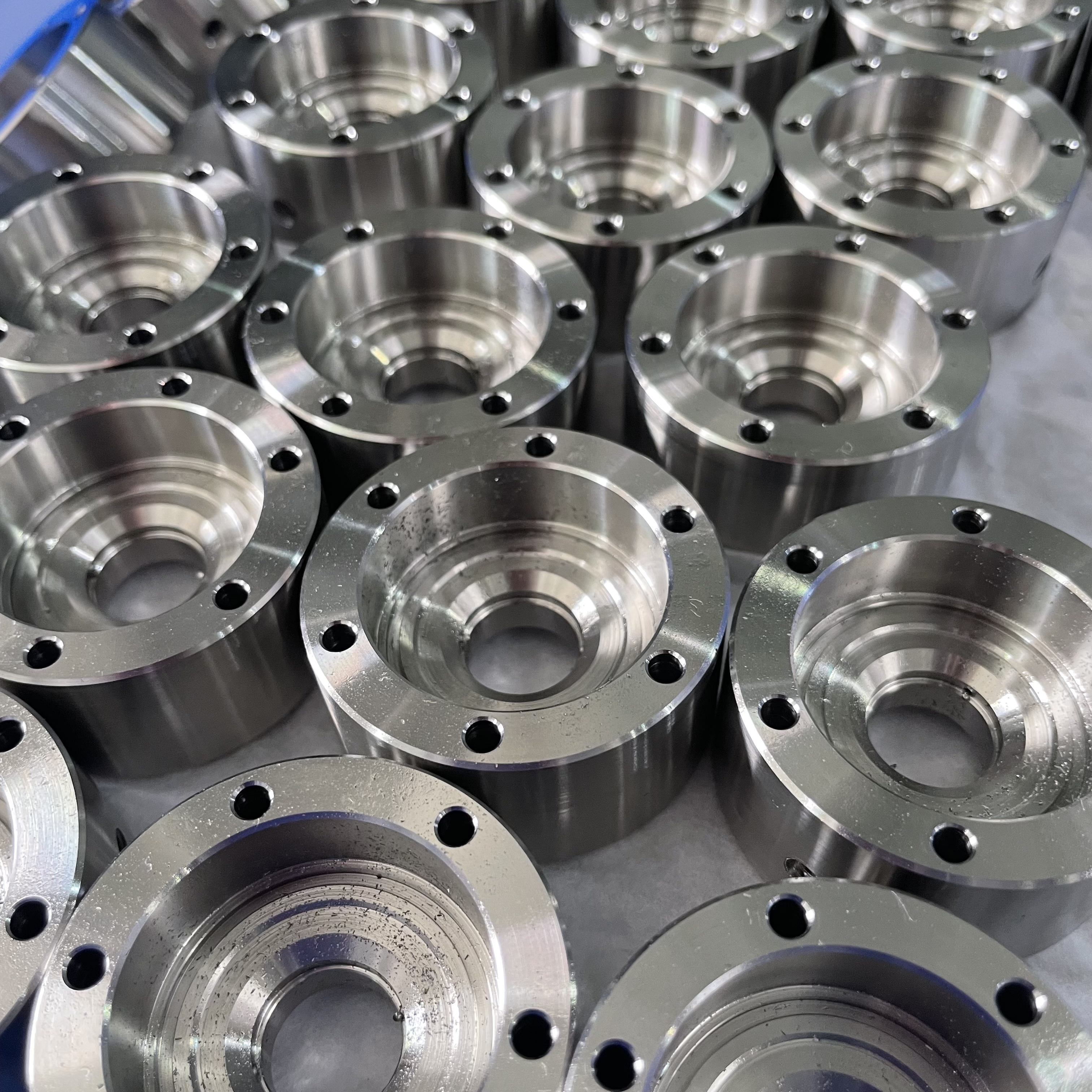
At Precision Fab CNC Machining, we specialize in producing parts for prototypes, short runs, and high-volume production. Our prototyping machine capabilities extend across metal, plastic, and wood machining, with welding fabrication services available to complement and finalize your prototype if required.
Address
Address: Room320 10F, Building A,Nanshan international building, Dayawan District, Huizhou, Guangdong, 516001 China
Contacts
billy@timaycnc.com