The Role of CAD Software in CNC Prototyping

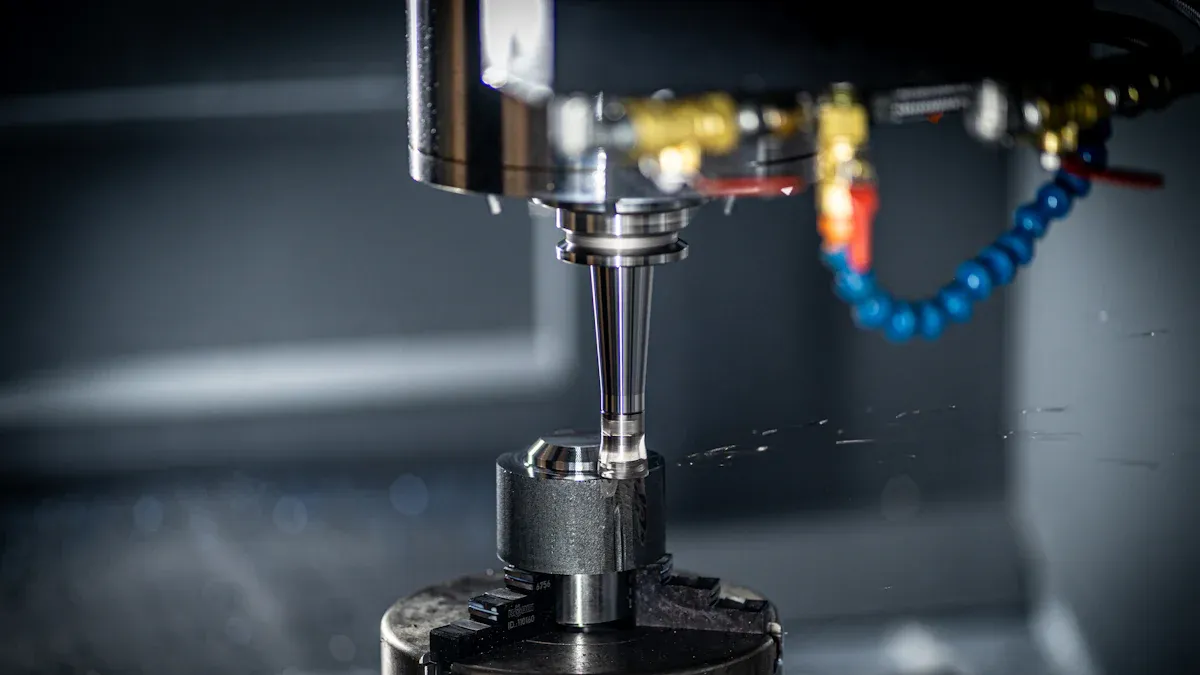
You rely on CAD software to create precise digital designs for CNC Prototyping. Its advanced tools reduce development time and errors, ensuring higher-quality results. Integrated CAD systems optimize toolpaths, boosting productivity and cutting machining time. This efficiency lowers costs while minimizing material waste, making CAD essential for modern manufacturing processes.
Key Takeaways
CAD software makes CNC prototyping easier with exact digital designs. It lowers mistakes and saves time.
Using CAD with CAM systems boosts work speed by automating jobs. It also gives correct machine directions, cutting costs.
CAD software's simulation tools let you test designs virtually. This finds problems early and makes prototypes better.
Understanding CAD Software in CNC Prototyping
What is CAD and Why is it Essential?
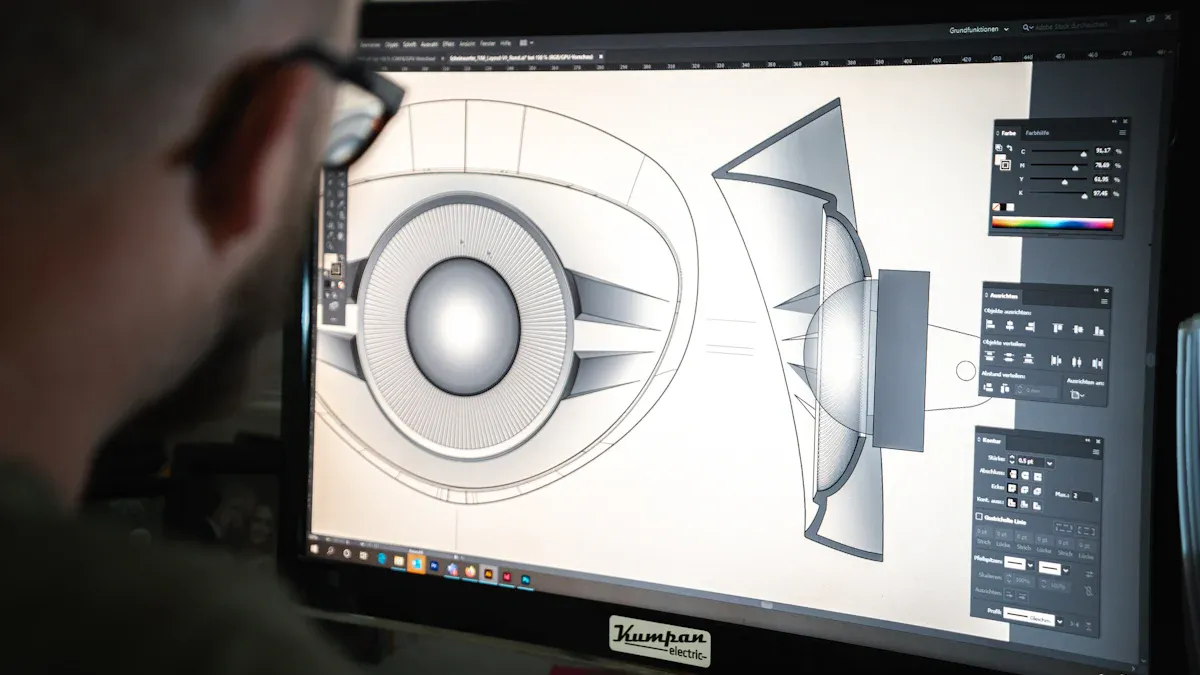
CAD, or computer-aided design, is a powerful tool that allows you to create detailed digital models of components. It forms the foundation of CNC prototyping by enabling you to design precise 2D or 3D models. These models serve as the blueprint for manufacturing, ensuring that every detail meets your specifications. CAD software provides a user-friendly interface where you can visualize and manipulate designs, making it easier to identify potential errors before production begins.
The ability to simulate machining processes and test designs virtually is another key advantage. This feature helps you save time and resources by addressing issues early in the prototyping phase. Whether you’re working on a simple part or a complex assembly, CAD software ensures accuracy and efficiency, making it an indispensable tool in modern manufacturing.
The Role of CAD in CNC Prototyping
In CNC prototyping, CAD software plays a crucial role in bridging the gap between design and production. It allows you to create detailed models that can be directly translated into machine instructions using CAM software. This seamless integration ensures that your designs are accurately replicated during manufacturing.
CAD software also enables you to optimize designs for CNC machining. For example, you can adjust dimensions, refine geometries, and simulate tool movements to ensure precision. By doing so, you minimize errors and reduce material waste, ultimately improving the quality of your prototypes.
Bridging Design and CNC Machining
Transitioning from design to CNC machining can be challenging, especially when dealing with complex geometries or tight tolerances. CAD software addresses these challenges by providing advanced simulation tools. You can test your designs virtually, identify potential issues, and make necessary adjustments before production.
Additionally, CAD software integrates seamlessly with CAM systems, allowing for the direct transfer of design data. This integration eliminates the need for manual translations, reducing errors and ensuring consistency. By using CAD software, you can streamline the entire prototyping process, from initial design to final production, with greater accuracy and efficiency.
Key Features of CAD/CAM Software for CNC Prototyping
3D Modeling for Precision Prototypes
CAD software excels in creating detailed 3D models, which are essential for precision prototypes. These models provide accurate representations of components, ensuring that dimensions and tolerances are maintained throughout the manufacturing process. This accuracy is especially critical in industries like aerospace, where even minor deviations can impact performance or safety.
CAD software supports various CNC machining types, making it versatile for different manufacturing needs.
It acts as a bridge between design and CAM, enabling seamless machine programming for accurate production.
"By seamlessly integrating CAD/CAM software into CNC processes, you can enhance efficiency and accuracy, ultimately improving your bottom line."
Simulation and Virtual Testing in Prototyping
Simulation tools in CAD/CAM software allow you to test designs virtually before production. This feature helps identify errors early, saving time and resources. Virtual testing also enables you to experiment with innovative designs, improving functionality and performance.
Higher design quality: Simulations catch fundamental errors, ensuring reliability.
Shorter time to market: Virtual prototyping reduces the build-test-redesign cycle.
More competitive products: You can explore creative ideas without the risk of costly mistakes.
These tools not only improve the quality of prototypes but also make the entire process more efficient.
Design Optimization for CNC Machining
CAD/CAM software offers powerful tools for optimizing designs for CNC machining. By simulating machining processes, you can visualize potential inefficiencies or collisions before production begins. This proactive approach refines toolpaths, minimizes material waste, and reduces downtime.
The integration of CAD and CAM ensures a smooth transition from design to production. This eliminates errors caused by manual data transfer, enhancing both efficiency and accuracy. Additionally, CAD software allows you to simplify designs, incorporate symmetry, and reduce machining features, all of which contribute to faster and more cost-effective manufacturing.
Integration of CAD Software with CNC Machines
Automating the CNC Prototyping Workflow
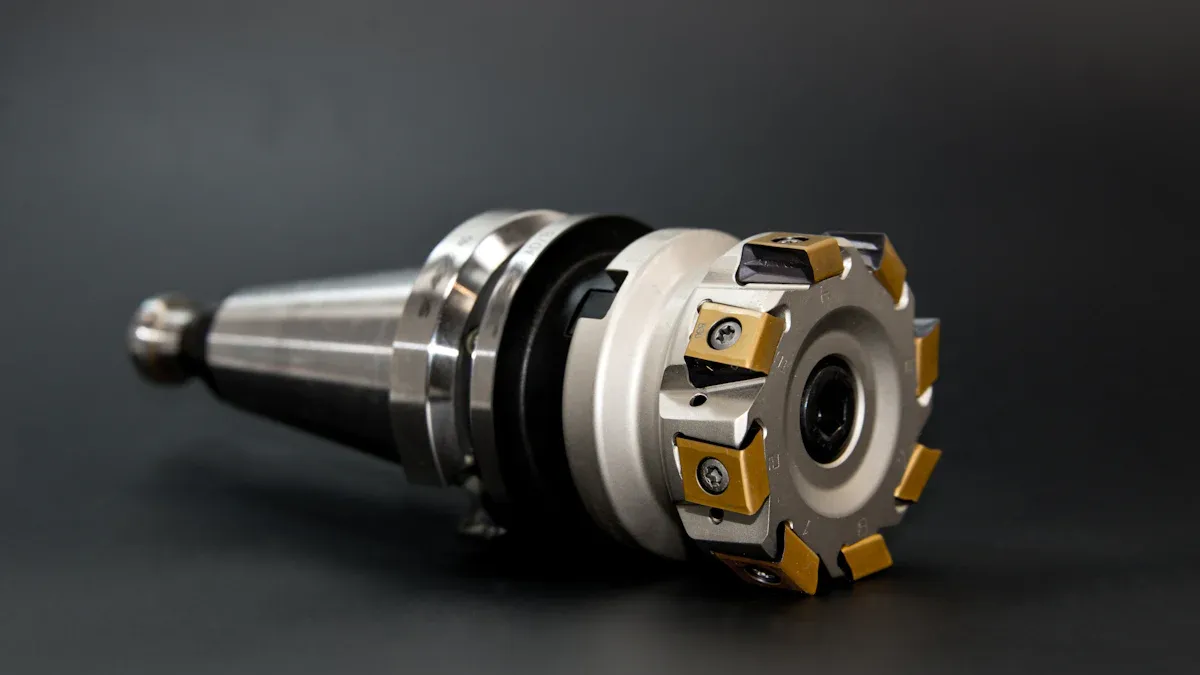
Modern CAD/CAM software simplifies the CNC prototyping process by automating repetitive tasks. You can use CAD to design parts and seamlessly transfer them to CAM for programming. This integration eliminates the need for manual data entry, reducing errors and saving time. Automation also allows you to create toolpaths and machining instructions with minimal effort, ensuring a smooth transition from design to production.
To integrate CAD software with CNC machines effectively, follow these steps:
Select compatible software that works seamlessly with your CNC machine.
Create a workflow that fosters collaboration between design and production teams.
Use parametric modeling to automatically update toolpaths when design parameters change.
Prioritize automation to enhance productivity and minimize human error.
By automating the workflow, you can achieve faster prototyping cycles and maintain high-quality standards.
Enhancing Accuracy and Consistency
CAD software plays a vital role in improving the accuracy and consistency of CNC machining. It allows you to create precise digital models that serve as the foundation for manufacturing. With CAD/CAM integration, you can simulate machining processes and refine designs before production begins. This ensures that every prototype meets your specifications.
The seamless connection between CAD and CAM eliminates errors caused by manual data translation. It also enables real-time adjustments during the development process, ensuring consistent results across multiple iterations. Enhanced accuracy not only improves the quality of prototypes but also reduces material waste and production costs.
Reducing Errors in CNC Machining
Errors in CNC machining often stem from manual data handling or incompatible software. By integrating CAD/CAM software, you can eliminate these issues. The software streamlines the design-to-production process, ensuring that toolpaths and machining instructions are accurate.
Common challenges, such as system compatibility and training requirements, can be addressed through proper planning and support. For example, providing training to employees and conducting thorough testing can help you overcome integration hurdles. Regular maintenance of CNC machines also ensures reliable performance.
Challenge | Description |
|---|---|
CAD and CAM system compatibility | Compatibility issues can hinder the transition from design to manufacturing. |
Training requirements | Significant training is often needed to effectively use CAD/CAM software, which incurs costs. |
Hardware reliability | Regular maintenance and calibration of machines are essential to avoid malfunctions. |
By addressing these challenges, you can reduce errors and achieve a more efficient CNC prototyping process.
Benefits of CAD Software in CNC Prototyping
Faster Iterations and Prototyping Cycles
CAD software significantly accelerates the prototyping process by enabling rapid design iterations. You can modify digital drawings effortlessly without starting from scratch, saving valuable time. The software also supports engineering computations and simulations, allowing you to analyze models before manufacturing. This capability ensures that potential issues are addressed early, reducing delays in the prototyping cycle.
By using CAD, you can design complex components with exact dimensions. This precision ensures that prototypes closely represent the final product, making it easier to evaluate their form, fit, and function. The ability to iterate quickly and test designs virtually helps you refine concepts faster, bringing products to market more efficiently.
CAD tools streamline the design process, reducing development time.
Digital designs allow for quick adjustments, minimizing the need for multiple physical prototypes.
Simulations improve design quality, ensuring prototypes meet your expectations.
Cost Efficiency in CNC Prototyping
CAD/CAM software plays a vital role in reducing costs during CNC prototyping. By perfecting designs digitally, you minimize waste and avoid the expense of creating multiple physical prototypes. The software also optimizes toolpaths, which reduces machining time and lowers production costs.
Efficient design and manufacturing processes lead to significant savings. For example, CAD allows you to refine designs before production, ensuring that materials are used effectively. This approach not only saves money but also supports sustainable manufacturing practices by reducing material waste.
Optimized toolpaths increase productivity and reduce machining time.
Digital design minimizes errors, saving both time and resources.
Fewer physical prototypes mean lower material and production costs.
Improved Quality and Precision of Prototypes
CAD software ensures that your prototypes achieve the highest level of quality and precision. Its advanced tools allow you to create detailed digital models with exact dimensions, which is essential for evaluating design effectiveness. This precision helps you make informed decisions about product improvements.
Simulations and virtual testing further enhance the quality of prototypes. You can identify and resolve design flaws before production, ensuring that the final product meets your specifications. By integrating CAD with CNC machining, you achieve consistent results across multiple iterations, improving overall manufacturing efficiency.
High accuracy in prototypes leads to better decision-making.
Virtual testing ensures reliability and reduces the risk of costly errors.
Consistent results improve the quality of your final product.
CAD software has revolutionized CNC prototyping by streamlining the design-to-production process. Its integration eliminates barriers between design and manufacturing, enabling engineers to collaborate efficiently. By supporting digital design creation and optimizing workflows, CAD enhances precision and reduces errors. Industries like manufacturing benefit from its ability to drive innovation and improve automation, ensuring high-quality prototypes.
FAQ
What is the difference between CAD and CAM software?
CAD focuses on designing digital models, while CAM converts those designs into machine instructions for manufacturing. Together, they streamline the design-to-production process.
Can CAD software work with all CNC machines?
Most CAD software supports a wide range of CNC machines. However, you should ensure compatibility by checking the software's specifications and your machine's requirements.
How does CAD software reduce prototyping costs?
CAD software minimizes material waste by perfecting designs digitally. It also reduces the need for multiple physical prototypes, saving time and resources during the prototyping process.
💡 Tip: Always update your CAD software to access the latest features and ensure compatibility with modern CNC machines.
See Also
Overcoming Obstacles: Improving CNC Prototyping Precision And Speed
Excelling In CNC Machining: Tolerances, Prototyping, And Material Choices
Investigating CNC Machining Solutions For High-Precision Production
About US
Follow Us
Your prototype holds unparalleled significance, and we deeply value its uniqueness. Collaborating with you during the preparation phase for running your prototype or parts is a commitment we gladly embrace. Whether it's a single part or a complex assembly, we are dedicated to selecting the optimal tools and pathways to bring your envisioned product to life.
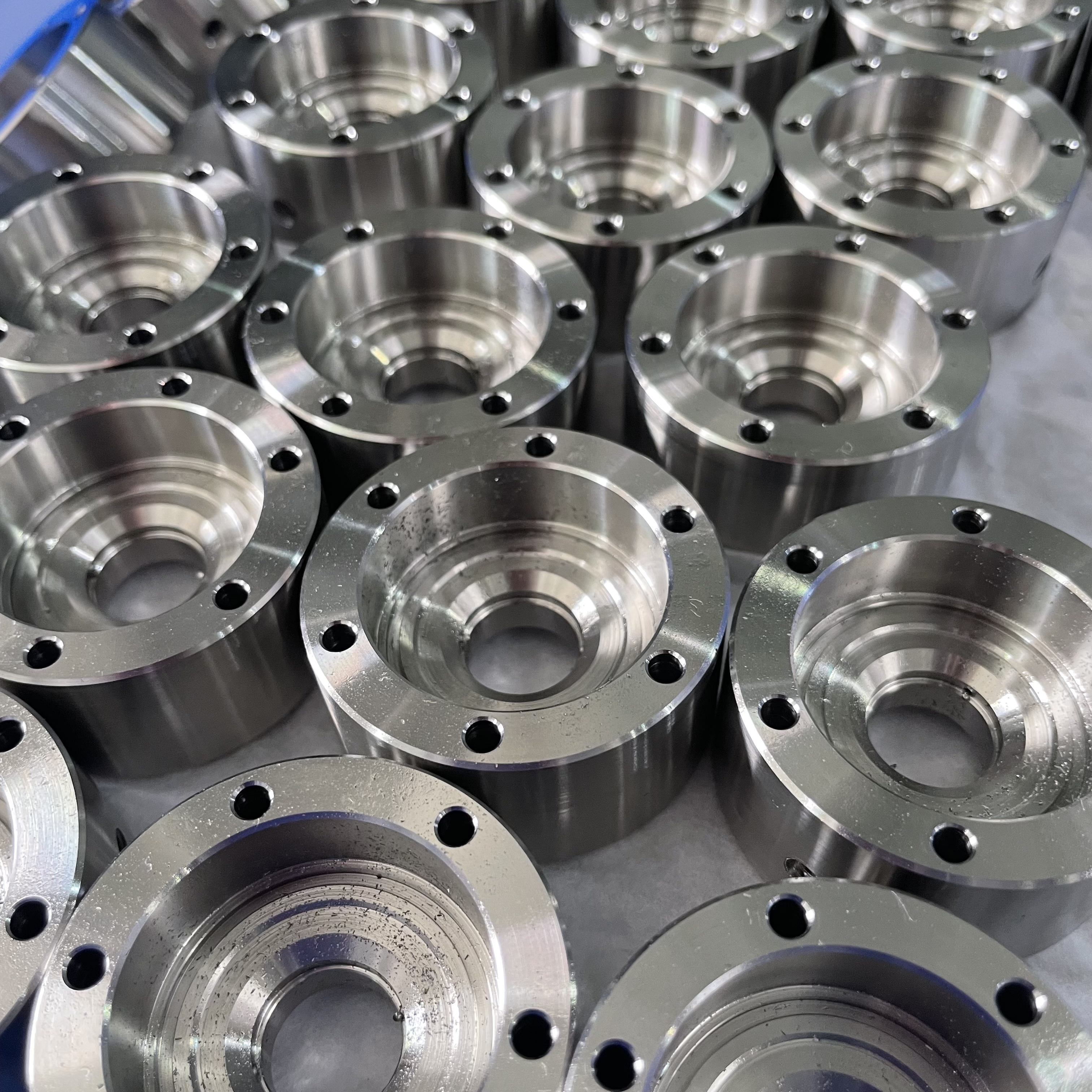
At Precision Fab CNC Machining, we specialize in producing parts for prototypes, short runs, and high-volume production. Our prototyping machine capabilities extend across metal, plastic, and wood machining, with welding fabrication services available to complement and finalize your prototype if required.
Address
Address: Room320 10F, Building A,Nanshan international building, Dayawan District, Huizhou, Guangdong, 516001 China
Contacts
billy@timaycnc.com